
Using AI in Design & Visualization 2-Day Workshop | 7th & 14th Feb 2026

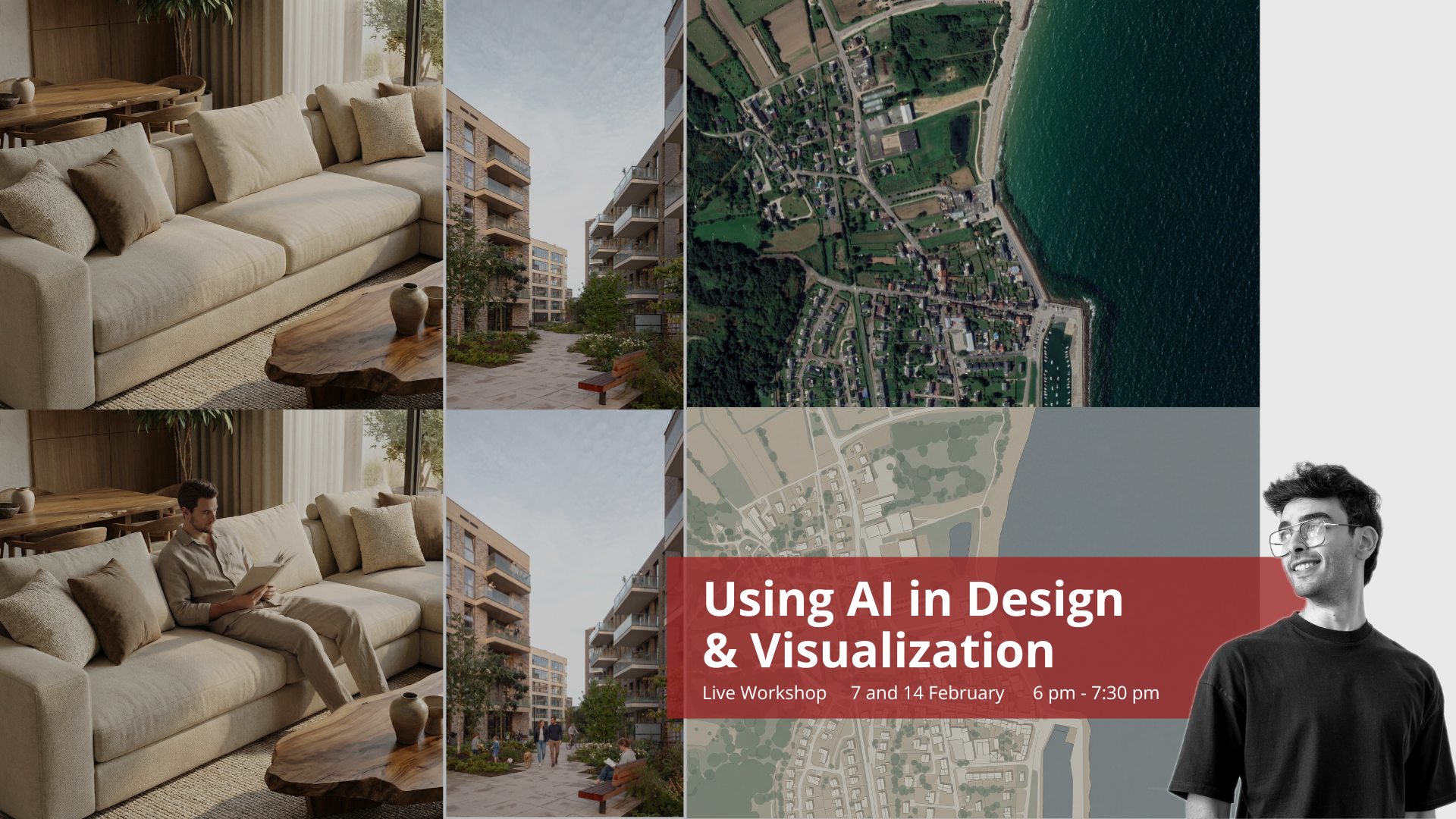
About Course
Many architecture students and graduates struggle to use AI to their advantage. The tools often feel disconnected, and writing effective prompts that generate the desired results can be challenging. Meanwhile, AI is transforming the design industry making it easier than ever to create realistic renders and clear, compelling diagrams.
In this intensive workshop, instructor Mohamed Atef will guide you through the next generation of design. You won’t just learn how to use AI; you’ll learn how to control it and write prompts properly. Instead of generating “random results”, you will learn how to generate exactly what you need by structuring a workflow where you remain the lead designer, and AI becomes your most efficient assistant.
Writing a Prompt: A deep dive into writing high-accuracy prompts designed specifically for students and professionals.
Accurate Results: Learn how to edit AI outputs and fix common “AI mistakes” to achieve your exact vision.
AI Tools: A curated breakdown of the best free and paid AI tools available today.
Integrated Workflows: How to bridge AI with software like Rhino, SketchUp, and Revit for a faster, smarter pipeline.
Real-World Application: Practical case studies on applying AI to everyday architectural tasks, from site analysis to final boards.
Date & Time
Saturday 7th & 14th February 2026 from 6 pm to 7:30 pm
These 2 sessions are held live online. After you enroll, you will get access to the Zoom link, WhatsApp group, and more. The session will be recorded, so you can rewatch it anytime afterward, and you’ll have lifetime access to the recording.
Session 1: Rendering and Visualization

AI tools that will be explained:
• Creating a render from a 3D view
• Generate an image from selected assets
• Photobashing
• Replace any item in render with selected asset
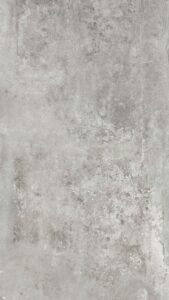
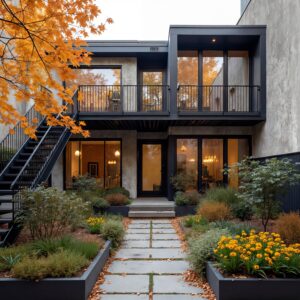
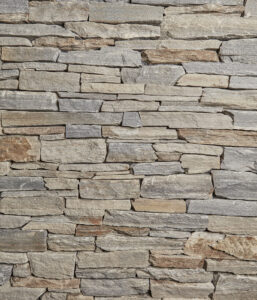
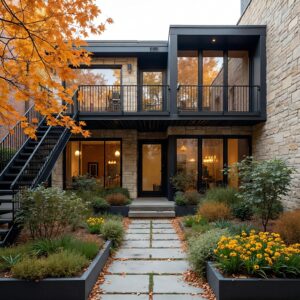
• Replace textures in render
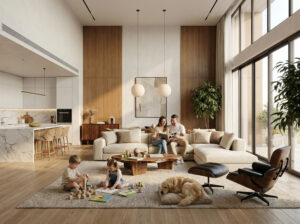
• Adding People to renders
• Change mood of render
Session 2: 2D and Diagrams
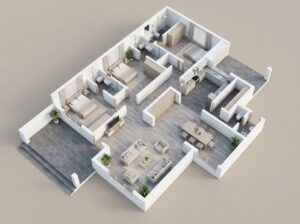
AI tools that will be explained:
• Stylize 2D plans
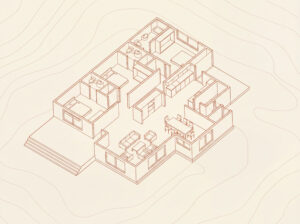
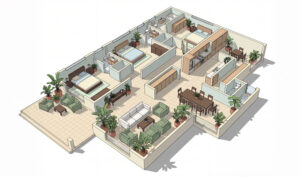
• Change 2D plan into stylized isometric
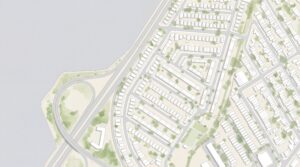
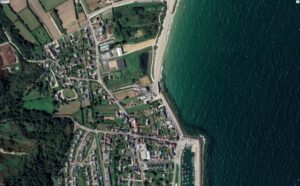
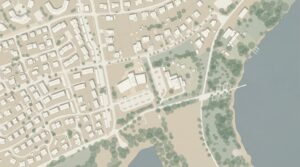
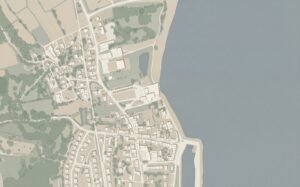
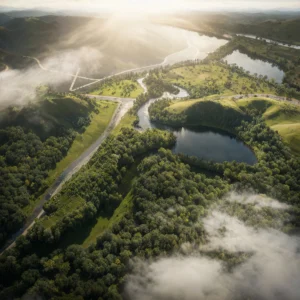
• Change satellite image into stylized vector drawing
• Change satellite 3D shot into 3D diagram
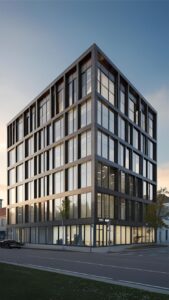
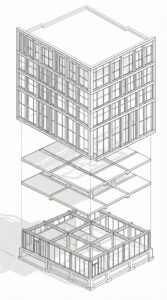
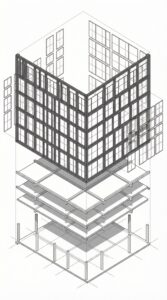
• Change render to exploded axonometric diagram
• Generate 3d massing diagrams
• Change context in render to different styles
The tools that will be explained in the workshop
Using AI to add human figures to renders
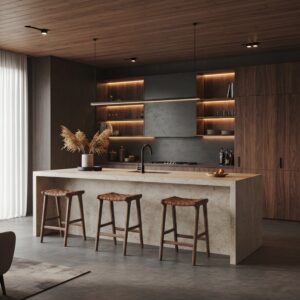

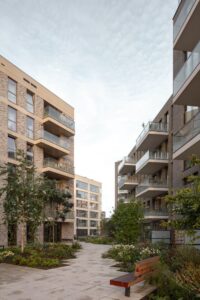
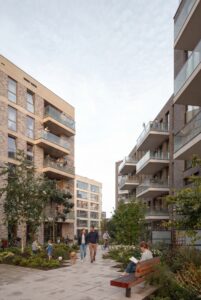

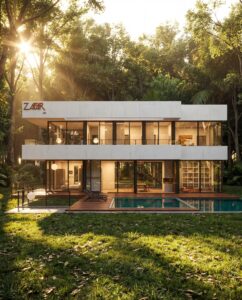
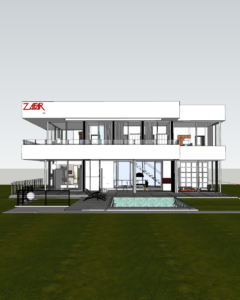
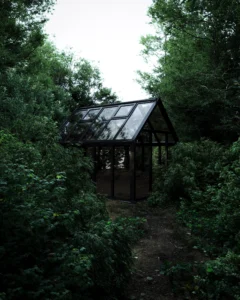
Using AI to create a realistic render from a 3D model
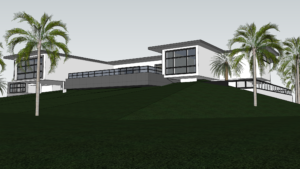

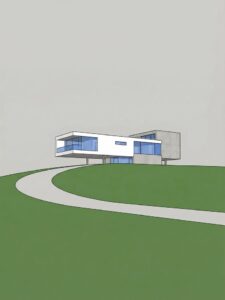
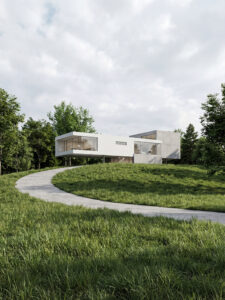
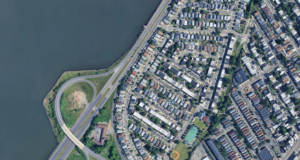
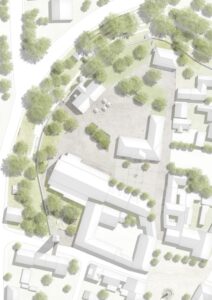
Using AI to create a stylized map from a satellite image
Using AI to change an asset in a render
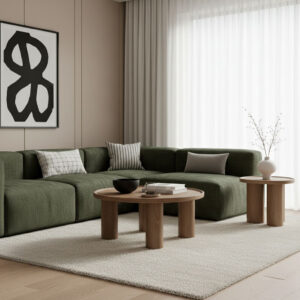


Using AI to change an asset in a render
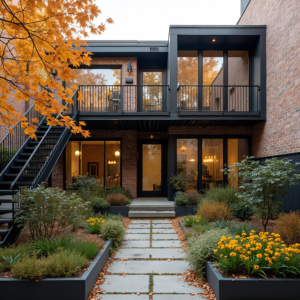
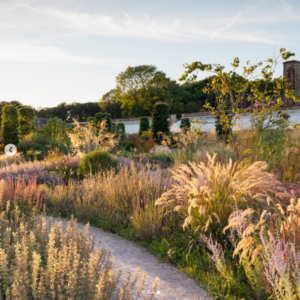
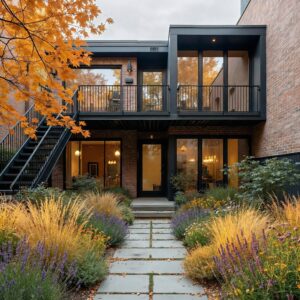
Using AI to change a Google Earth picture into a vector map
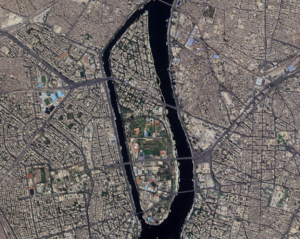
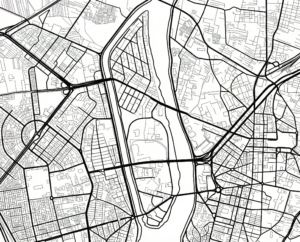
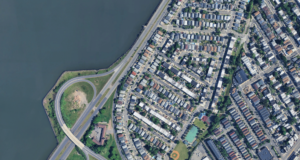
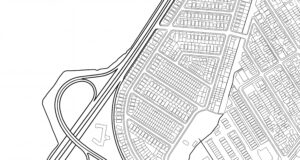
Using AI to change a Google Earth 3D screenshot into a diagram
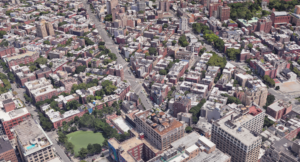
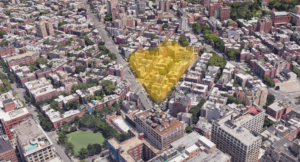
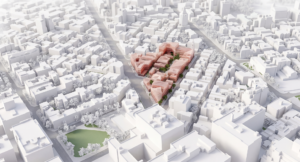
Using AI to construct a render and add assets and details
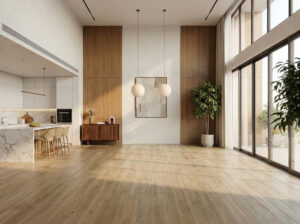
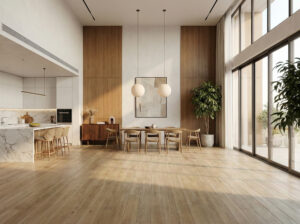
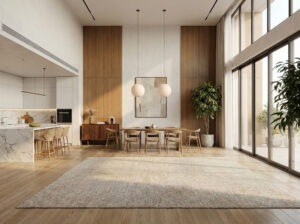


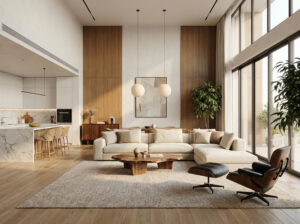
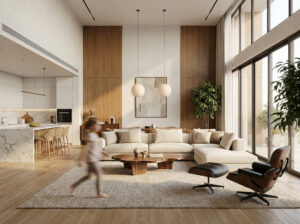

Using AI to change a material in a render
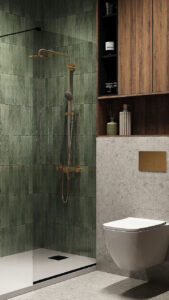
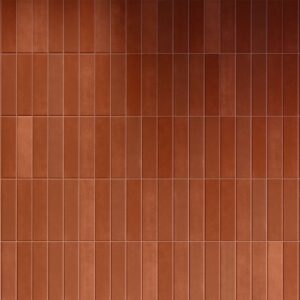



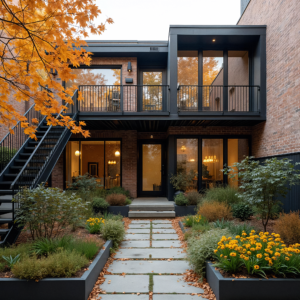
Using AI to change the mood of a render
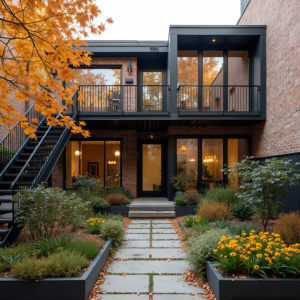
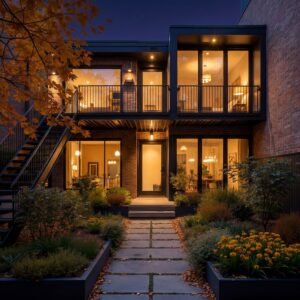
Using AI to change a 3D into an Exploded Axonometric
Using AI to stylize a 2D plan
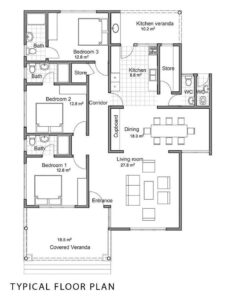
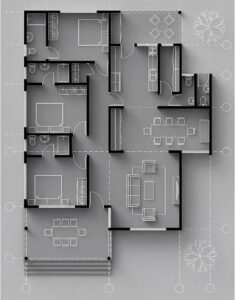
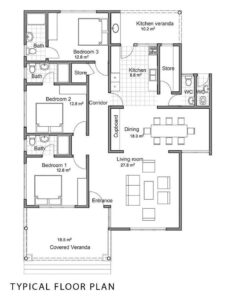
Using AI to stylize a 2D plan
Course instructor: Mohamed Atef
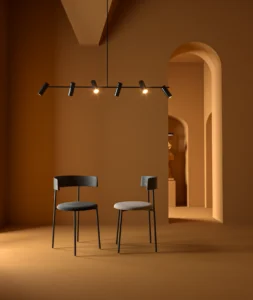
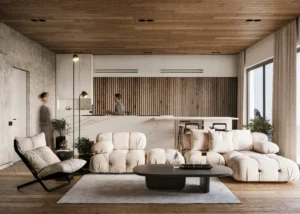
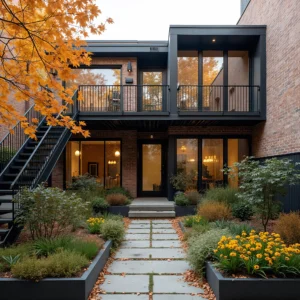
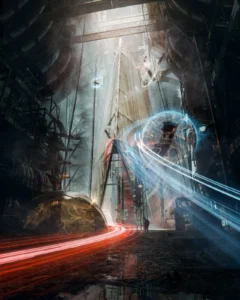
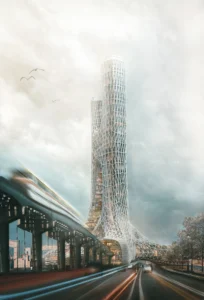
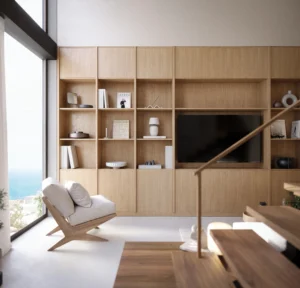
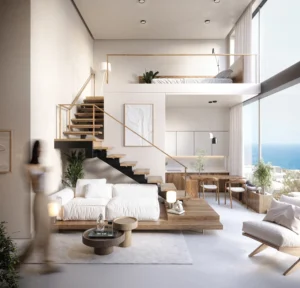
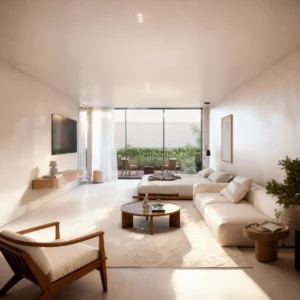
Instructor Rendering Portfolio


Course Content
Workshop Zoom Link
-
LIVE SESSION ZOOM LINK (Session 2 – 14th Feb)
-
LIVE SESSION ZOOM LINK (Session 1 – 7th Feb)
-
WhatsApp Group Link
Workshop Recordings
Recreate the Workshop’s Work
Student Ratings & Reviews